Automate Your Node.js Backend Development with the Backdraft Code Generator
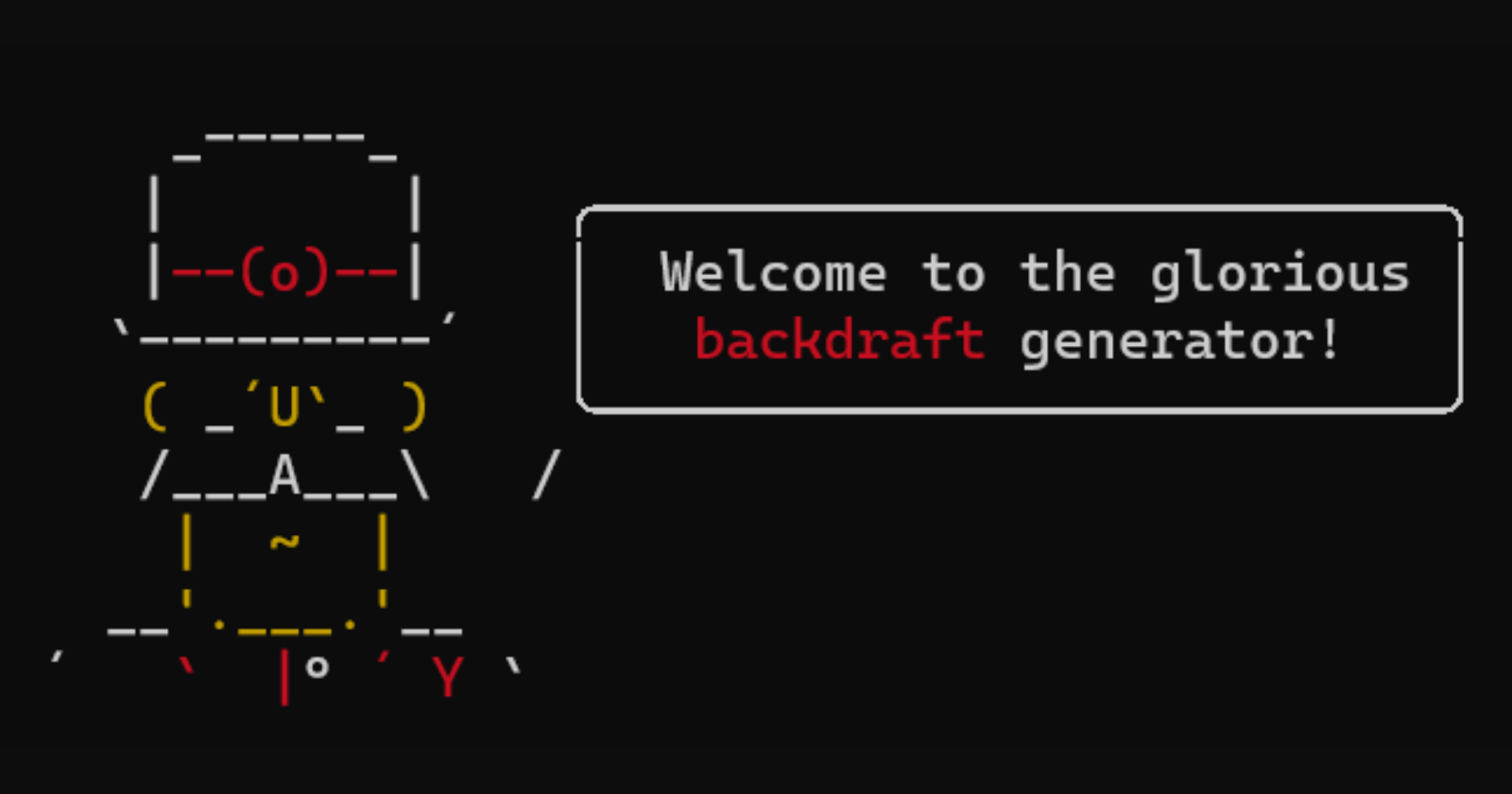
As a Node.js developer, you know that getting your backend project off the ground can be both exciting and time-consuming. From setting up the project structure to integrating authentication, these initial steps can take up a significant chunk of your development time. What if I told you that there's a solution that can save you precious hours and streamline your backend development process? Introducing the Backdraft Code Generator – a powerful tool designed to make your Node.js backend development journey smoother and more efficient.
The Backdraft Code Generator: A Developer's Dream
Imagine being able to kickstart your Node.js backend project with a single command. The Backdraft Code Generator is here to make that a reality. With this innovative tool, you can automate the creation of your backend projects, complete with customizable project structures and built-in features.
Key Features:
Effortless Project Setup: Say goodbye to manually configuring your project. The Backdraft Code Generator takes care of setting up the initial project structure, leaving you more time to focus on coding.
Authentication Made Easy: Implementing basic authentication is a breeze with Backdraft. No need to start from scratch – the generator includes authentication features that you can tailor to your specific requirements.
Customizable Project Structure: Every project is unique. Backdraft allows you to customize the project structure according to your needs, ensuring that your development environment is optimized for your workflow.
Seamless Database Integration: Working with databases like MongoDB and Mongoose? Backdraft simplifies the integration process, making it easier to manage data and queries.
Getting Started in Minutes
Getting started with the Backdraft Code Generator is quick and simple. Just follow these steps:
Install Yeoman globally if you haven't already:
npm install -g yoInstall the Backdraft Code Generator:
npm install -g generator-backdraftGenerate your new project:
yo backdraftAnswer a few prompts to tailor the project to your requirements.
The Project Structure
Once you've generated your project using Backdraft, you'll find a well-organized project structure that sets the foundation for your backend development journey:
bashCopy codeapp_name/
│
├── config/
│   └── database.js          # Configuration for database connection
│
├── controller/
│   └── user.js              # User-related controller logic
│
├── models/
│   └── user.js              # User model schema
│
├── routes/
│   ├── index.js             # Main application router
│   └── user.js              # User-related route definitions
│
├── services/
│   └── user.js              # User-related business logic
│
├── validators/
│   ├── joi.validators.js    # Validation schema using Joi
│   └── index.js             # Exported validation functions
│
├── index.js                 # Application entry point
└── package.json             # Node.js package configuration
Available Prompts
During project setup, Backdraft guides you through a set of prompts to customize your project:
App Name
Type: Input
Name:
nameMessage: "App Name"
Default: "myapp"
Description: Enter the desired name for your application.
App Description
Type: Input
Name:
descriptionMessage: "App Description"
Default: "My App"
Description: Provide a brief description of your application.
Install MongoDB and Mongoose
Type: Confirm
Name:
mongodbMessage: "Install MongoDB and Mongoose?"
Default: Yes
Description: Choose whether to include MongoDB and Mongoose for database integration.
Authentication API
Type: Confirm
Name:
authMessage: "Do you want to add authentication API?"
Default: Yes
Description: Decide whether to include an authentication API in your application.
Empower Your Development Workflow
At its core, the Backdraft Code Generator is about empowering developers to create robust Node.js backend projects without the hassle of repetitive setup tasks. Whether you're a solo developer or part of a team, Backdraft can accelerate your development process and free up time for more impactful coding.
Ready to revolutionize your Node.js backend development? Discover the power of the Backdraft Code Generator on npm today. Say goodbye to time-consuming setup and hello to efficient, enjoyable coding!
Let's shape the future of Node.js backend development together. 🚀👩💻👨💻
Comments
Join the discussionNo comments yet. Be the first to comment.
